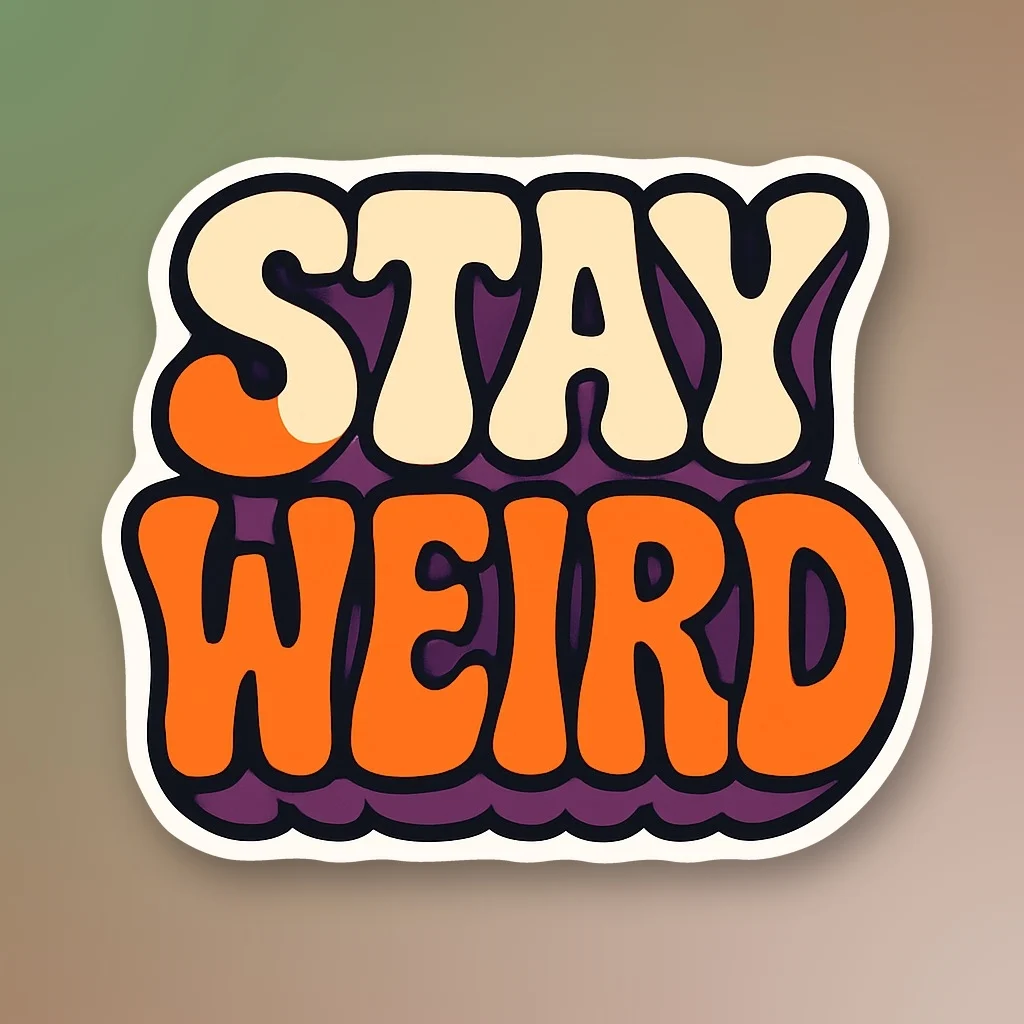
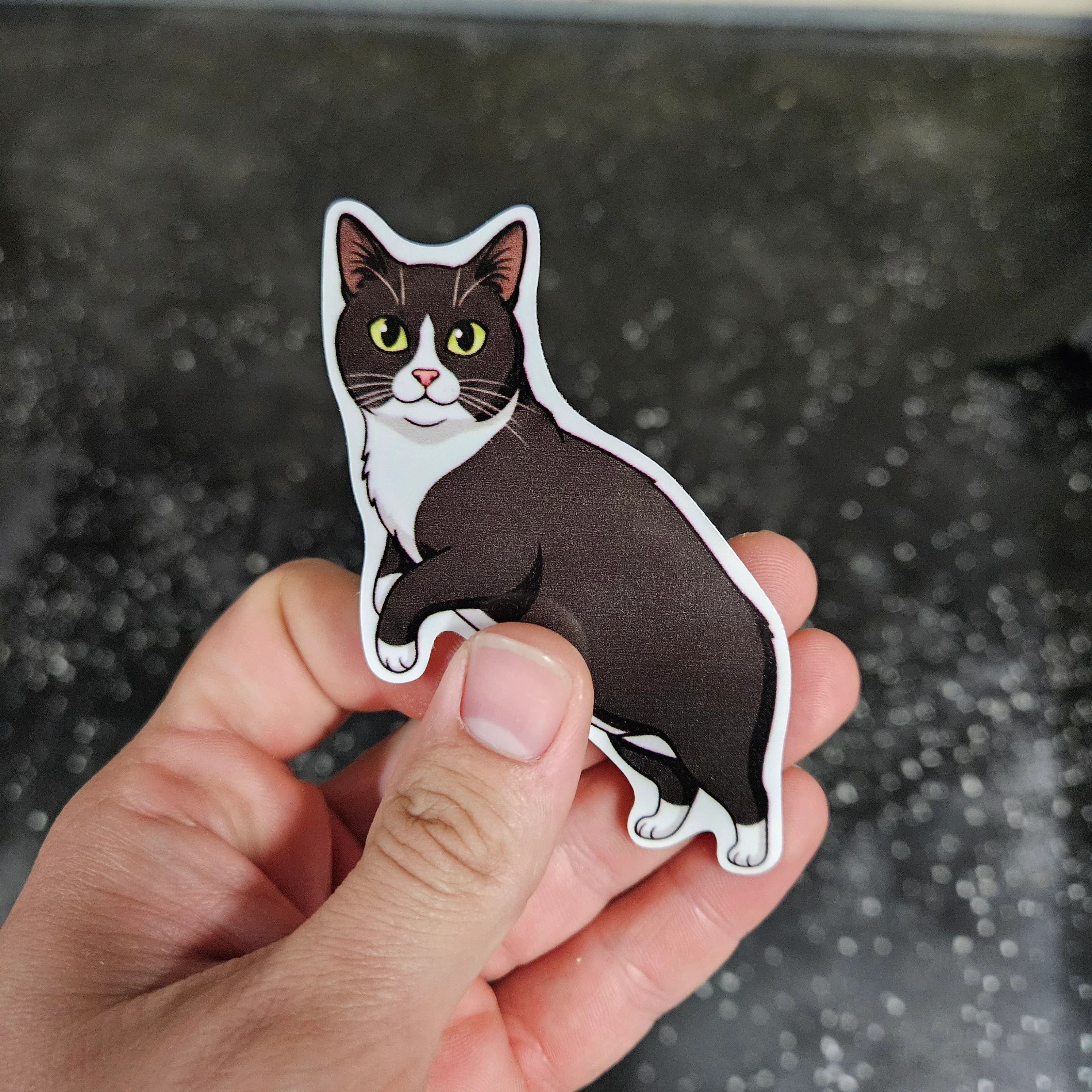
An AI sticker generator is a tool that turns a written idea, photo, or image into sticker artwork.
At the simplest level, that means generating an image with a clear subject, bold outline, and the kind of composition people expect from a sticker.
But that is only one part of the process.
A digital sticker only has to look right on a screen. A physical sticker also has to survive printing, lamination, and cutting. That means the artwork needs a clean outer shape, enough resolution for print, and a cut path that makes sense at the final size.
The first step is generating the artwork
Most AI sticker generators start the same way as a normal AI image generator.
You describe what you want:
a raccoon holding a coffee cup”
”a retro mountain van”
”a cartoon electrician with lineman pliers with text “Sparky”
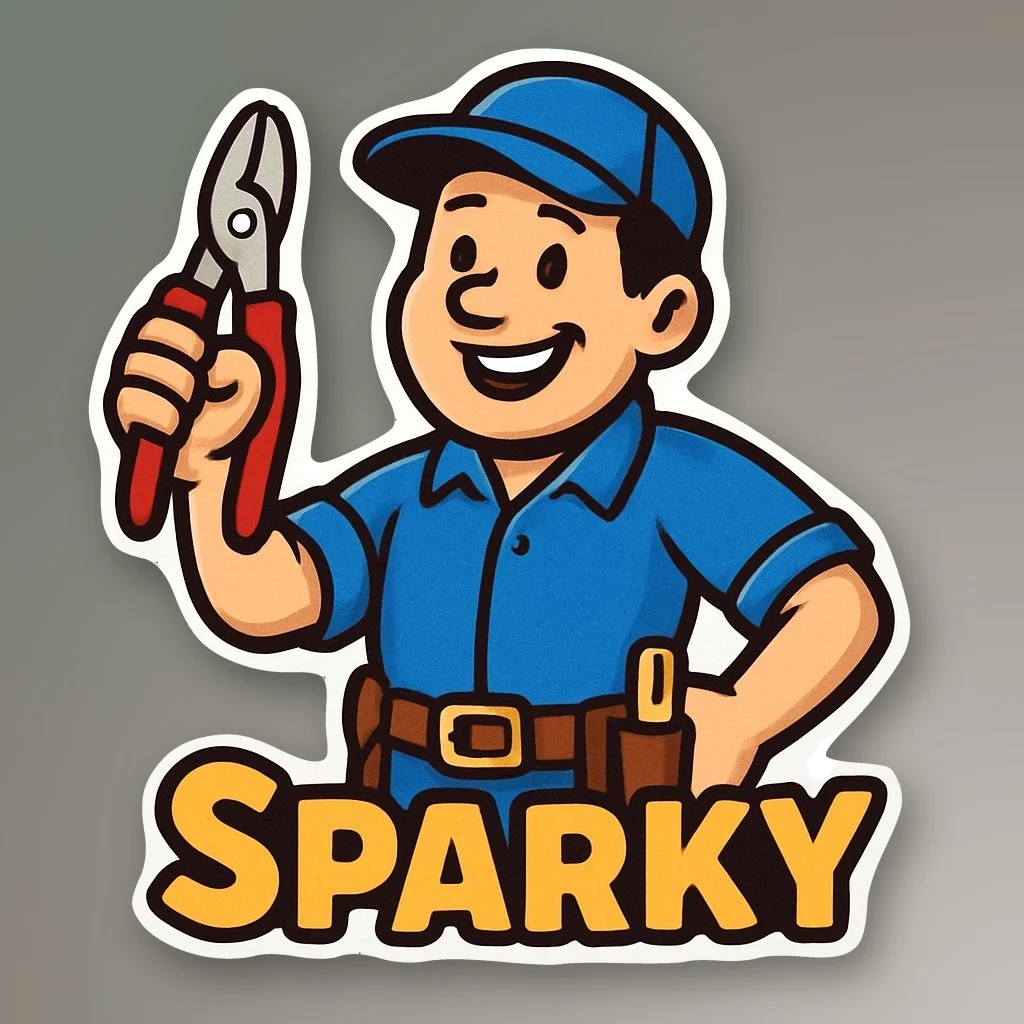
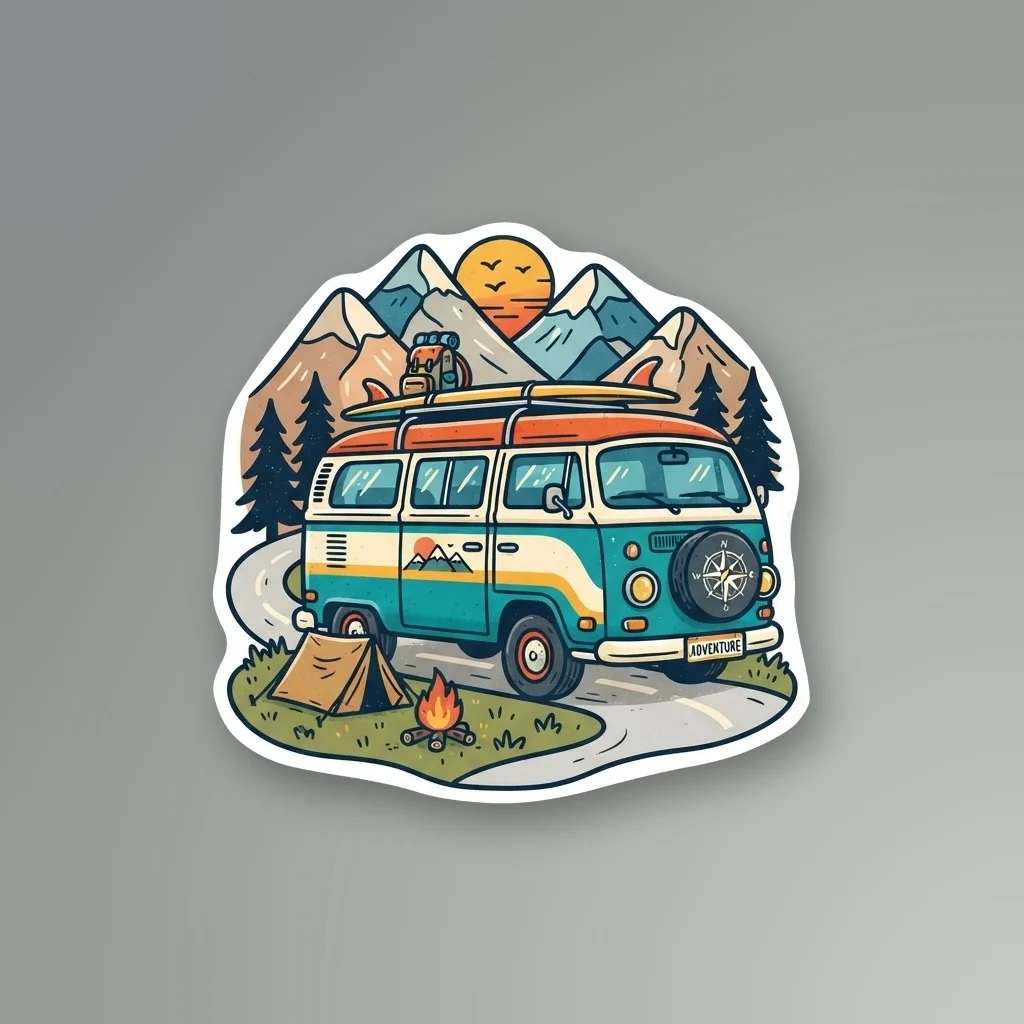
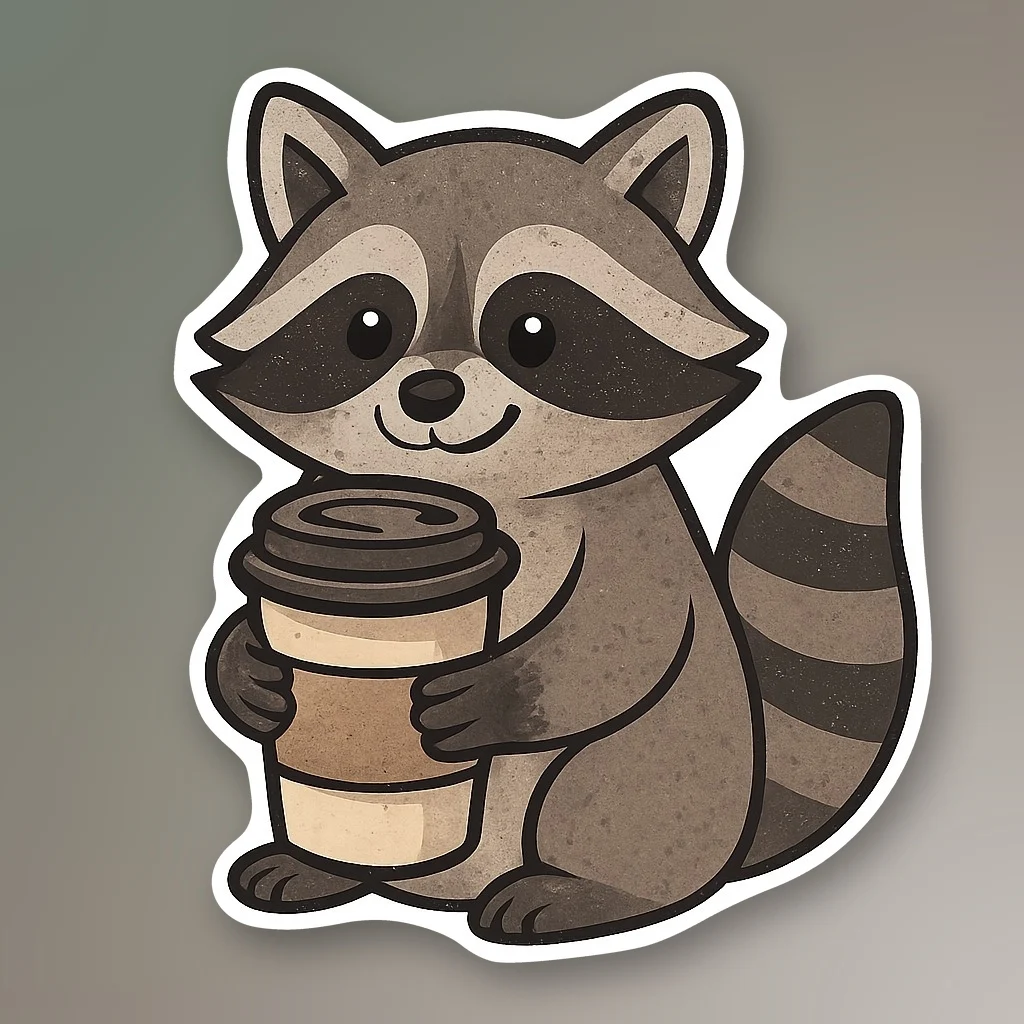
The model turns that prompt into an image.
For sticker artwork, simpler usually works better. One main subject, a clear silhouette, bold colors, and fewer tiny details make the finished design easier to print and cut.
A complicated scene might look impressive on a monitor, but it can fall apart when the final sticker is only a few inches wide.
The hard part is the edge
This is where sticker generation separates from normal image generation.
A general image model only has to make the picture look good. A sticker generator has to make the picture work as a physical object.
That means the subject needs to be isolated, the outer shape needs to read clearly, the border needs to hold up at print size, and the cut path cannot break into tiny scraps or fragile sections.
Stickery was built around those constraints. We use sticker-specific tools and processing to turn generated artwork into sticker-ready artwork. That includes subject isolation, edge cleanup, border generation, and preparation for die-cut production.
A good AI sticker generator does more than create an image. It helps create a shape that can actually be printed, laminated, and cut cleanly.
Digital stickers and physical stickers are not the same thing
A lot of tools described as AI sticker generators are really image generators with a sticker style.
They can create artwork with a white outline and transparent background, which works well for messaging apps, social media, and downloads.
That does not automatically make the artwork ready for physical production.
A real die-cut sticker needs more than a transparent PNG. It needs artwork that can be printed at the correct size and a contour that a cutting machine can follow.
Early AI sticker tools often stopped at the generated image itself, which meant the physical result still followed the square canvas unless someone manually prepared the file afterward.
Stickery.ai was built around that next step: turning AI-generated artwork into a sticker that can be cut around the actual shape of the design.
From AI artwork to a printed sticker
Once the artwork is ready, the process becomes traditional sticker production.
The design is printed onto adhesive vinyl, covered with a protective laminate, and then contour-cut.
Registration marks help the cutter line up with the printed artwork. The blade follows the prepared path around the design, creating the final shape.
With STICKERLY™, the finished sticker is printed with solvent inks on premium vinyl, protected with a UV-resistant gloss laminate, and precision die-cut by Sublime Slaps in Oregon.
Why some AI stickers work better than others
The best AI sticker designs usually have:
- one clear subject
- a strong outer silhouette
- readable text
- enough contrast between elements
- limited tiny details
- no disconnected pieces
- enough space around important parts of the design
A design does not have to be simple, but it should still make sense when it becomes a small physical object.
That is why a good AI sticker generator has to do more than make a nice picture. It has to help bridge the gap between generated artwork and something that can actually be printed and cut.
Make an AI sticker
If you want to start from a prompt, use the AI sticker generator.
If you already have a photo or image, use the image to sticker tool.