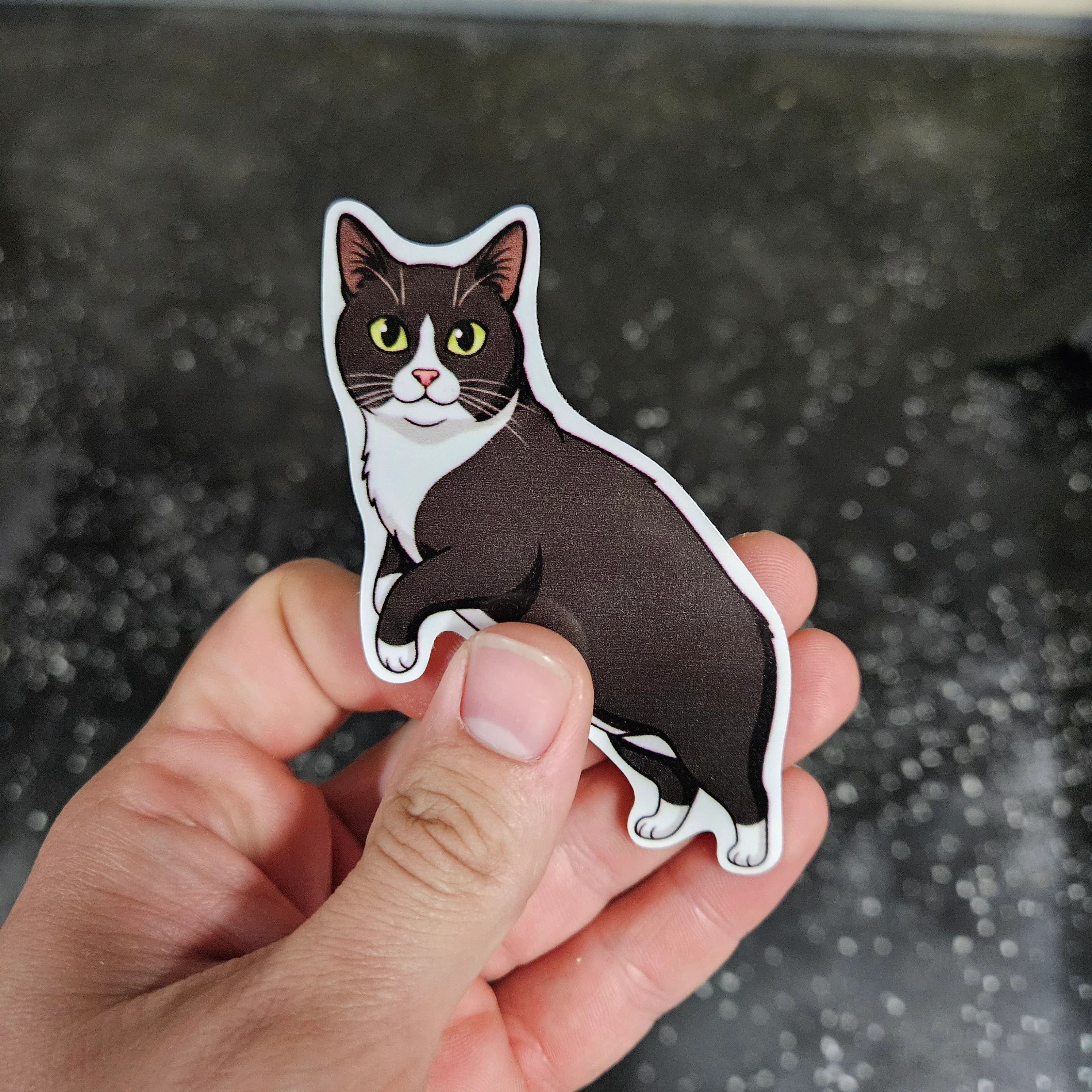
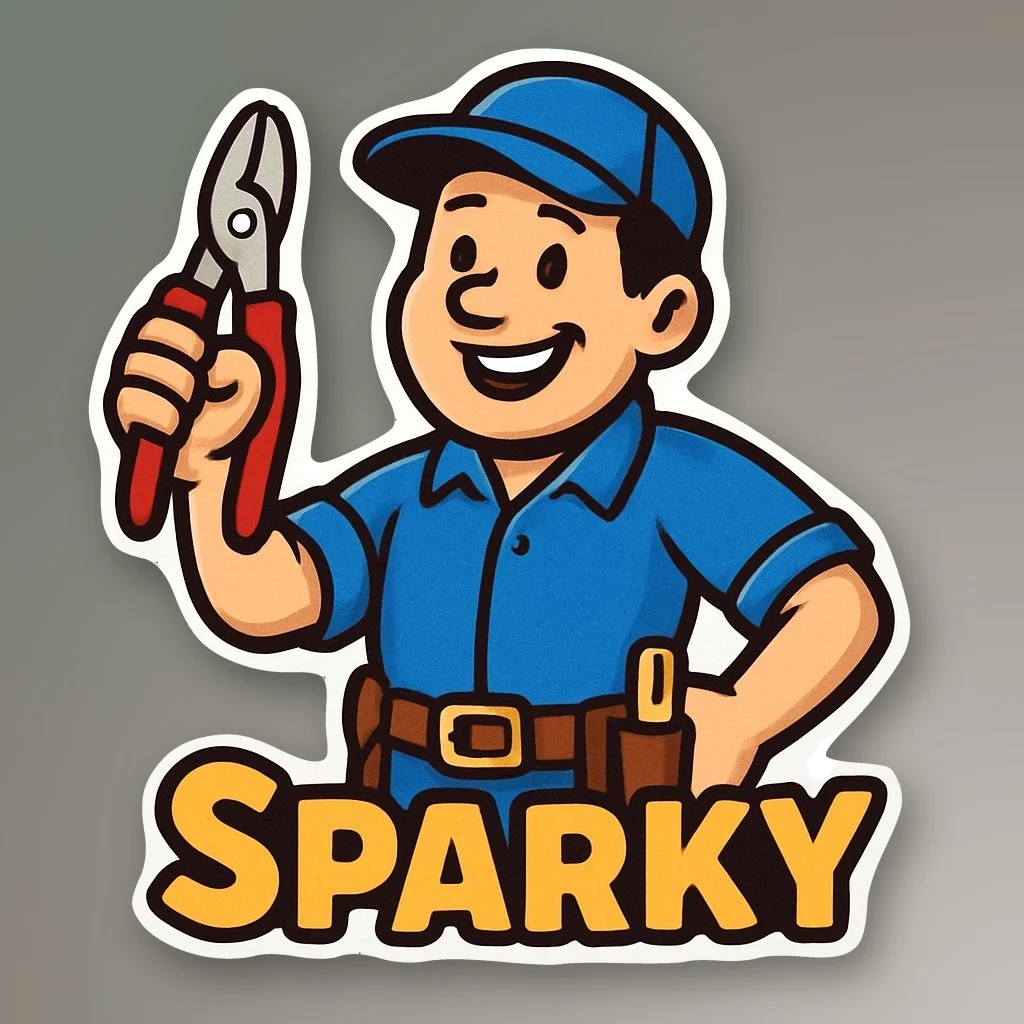
AI can make a good-looking image quickly. A good sticker needs a little more discipline.
Stickery is built to generate artwork for physical stickers, but the prompt still matters. The cleaner the idea, the easier it is to turn into something that prints and cuts well.
Start with one clear subject
The safest prompt is usually one main subject.
Instead of:
a forest, mountains, van, campfire, dog, stars, text, and a river
Try:
retro camper van in front of pine trees
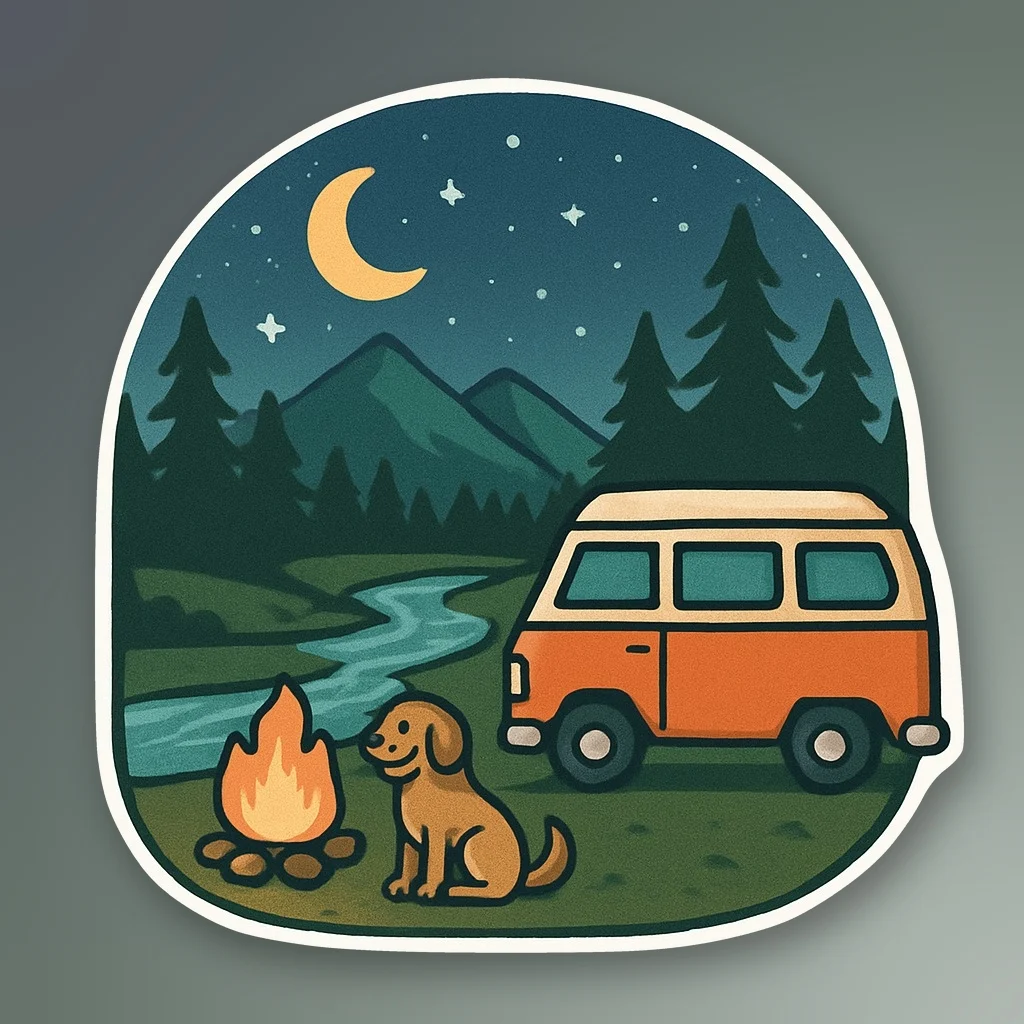
A simpler composition gives the model a clearer silhouette and makes the final sticker easier to read at a small size.
Ask for bold shapes
Small stickers do not benefit from tiny details.
Bold outlines, larger features, and simple shapes tend to print better than delicate linework. Thin strands of hair, tiny sparks, narrow branches, and intricate patterns can become hard to see or difficult to cut cleanly.
If a detail is not important to the idea, leave it out of the prompt.
Keep text short
AI-generated text can still be unpredictable, and small type gets hard to read quickly on a printed sticker.
If you want words in the design, keep them short and prominent. Put the wanted text in “quotes”
A two- or three-word phrase usually works better than a sentence.
For important text, generate the artwork first and add the lettering afterward when needed.
Try:
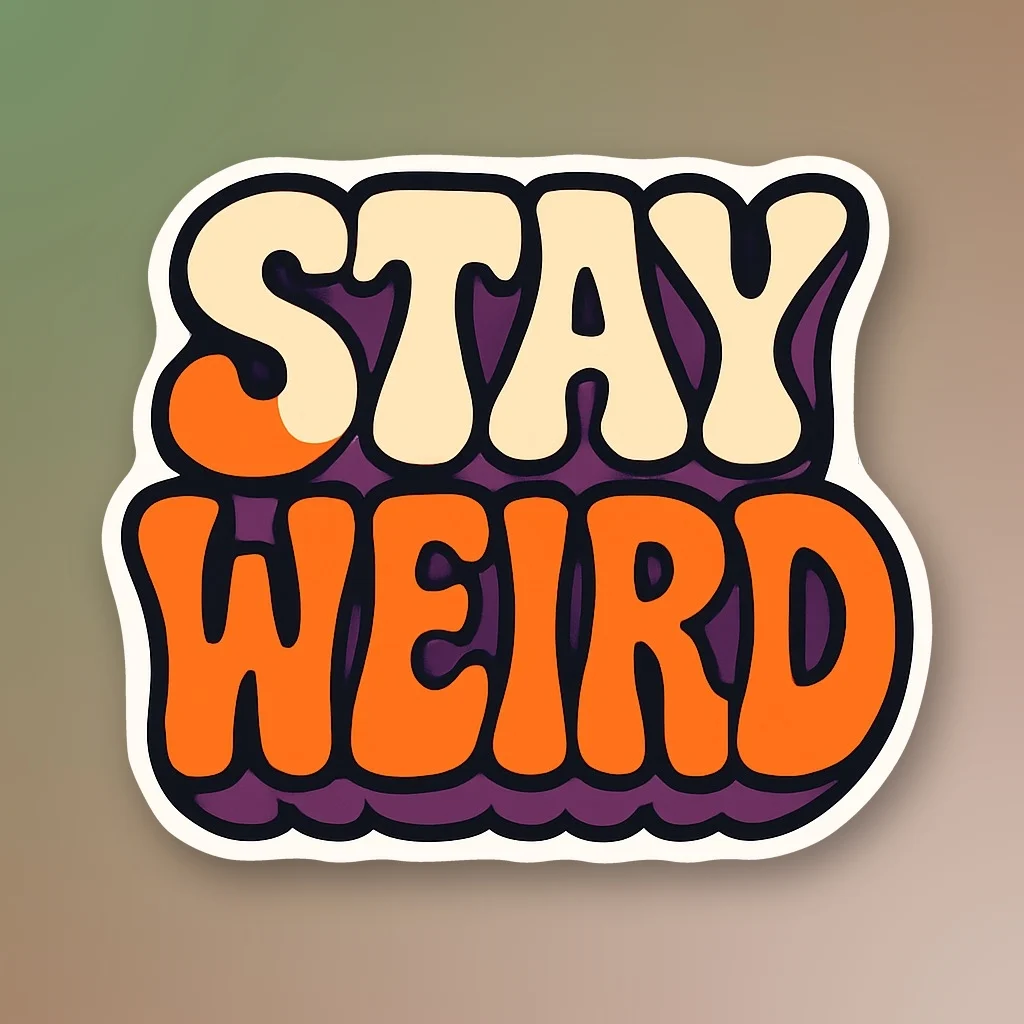
“STAY WEIRD” in bold retro bubble lettering, thick black outline, warped psychedelic letter shapes, cream, orange, and deep purple, clean centered composition
Use contrast
The subject should stand out clearly from itself and from the sticker border.
Ask for clear color separation and avoid putting several similar dark colors next to each other.
For example:
bold orange fox with black outline and cream details
usually gives the model more useful direction than:
realistic fox
Avoid complicated backgrounds
A detailed background can make the image look impressive on screen, but it usually adds noise to a sticker.
Stickery works best when the main subject is easy to isolate.
Instead of asking for a full scene, include only the background elements that are important to the idea.
Think about the outside edge
Stickery prepares the artwork for die-cutting, so the outside shape matters.
Long thin extensions and disconnected objects create harder cut paths. A solid, recognizable silhouette is usually better.
If your design has accessories, keep them close to the main subject when possible.
A coffee mug in a character's hand works better than a mug floating beside them.
Design for the size you plan to order
A design can look detailed and sharp when it fills your screen and still feel crowded at three inches wide.
The smaller the sticker, the simpler the artwork should be.
Large stickers can carry more detail. Small stickers benefit from stronger shapes, fewer elements, and larger features.
Let Stickery handle the sticker-specific work
Stickery does more than generate an image.
Our sticker-focused tools process the artwork for physical production, including subject isolation, edge cleanup, border generation, and cut-path preparation.
That removes a lot of the manual work that would normally happen after generating an image.
You still get the best result when the original idea is designed with a sticker in mind.
A good prompt is usually simple
A useful structure is:
subject + style + important details + colors
For example:
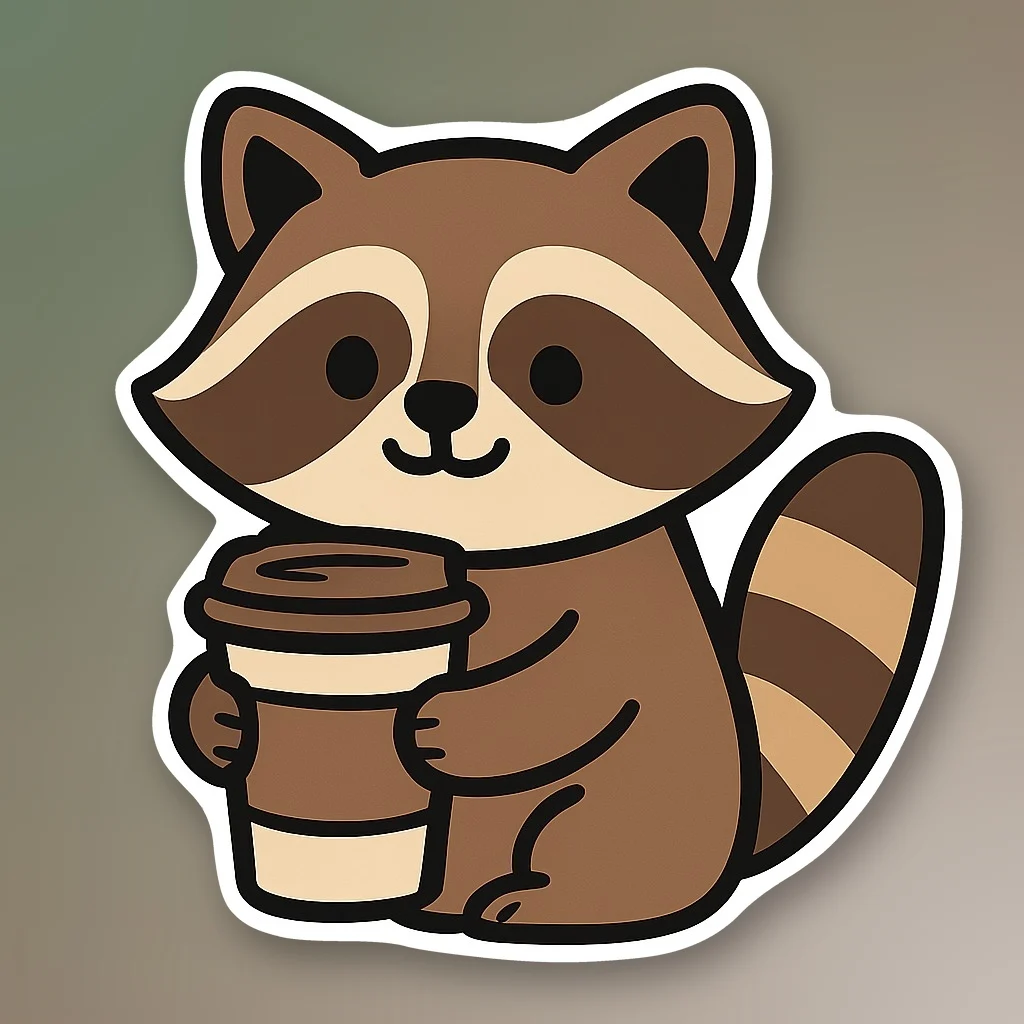
cartoon raccoon holding a coffee cup, bold black outline, simple shapes, brown and cream colors
or:
retro mountain van, bold vector style, thick outline, orange and teal
You do not need to tell Stickery how to make it a sticker. The system already handles the sticker-specific instructions.
Focus your prompt on what you want the design to be.
A prompt that is too complicated
For example:
a realistic raccoon driving a lifted truck through a forest at sunset with mountains, a campfire, flying sparks, three dogs, a river, a detailed sky, and the words “WILD WEEKEND” in small script
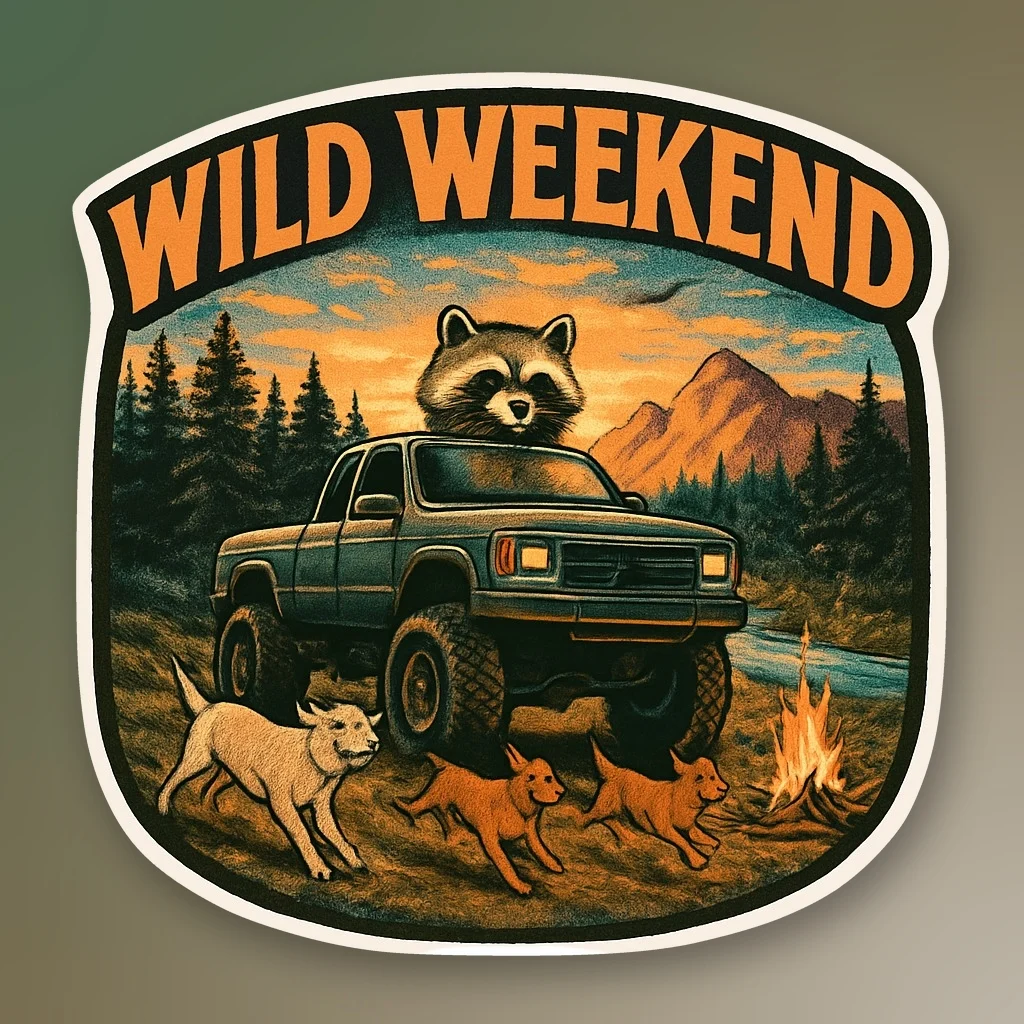
That may produce an interesting image, but it is asking for too much in one sticker. The subject has to compete with the background, the text may be hard to read, and all of the small details create more opportunities for messy edges.
A better version would be:
cartoon raccoon driving a lifted truck, bold outline, simple shapes, forest green and orange
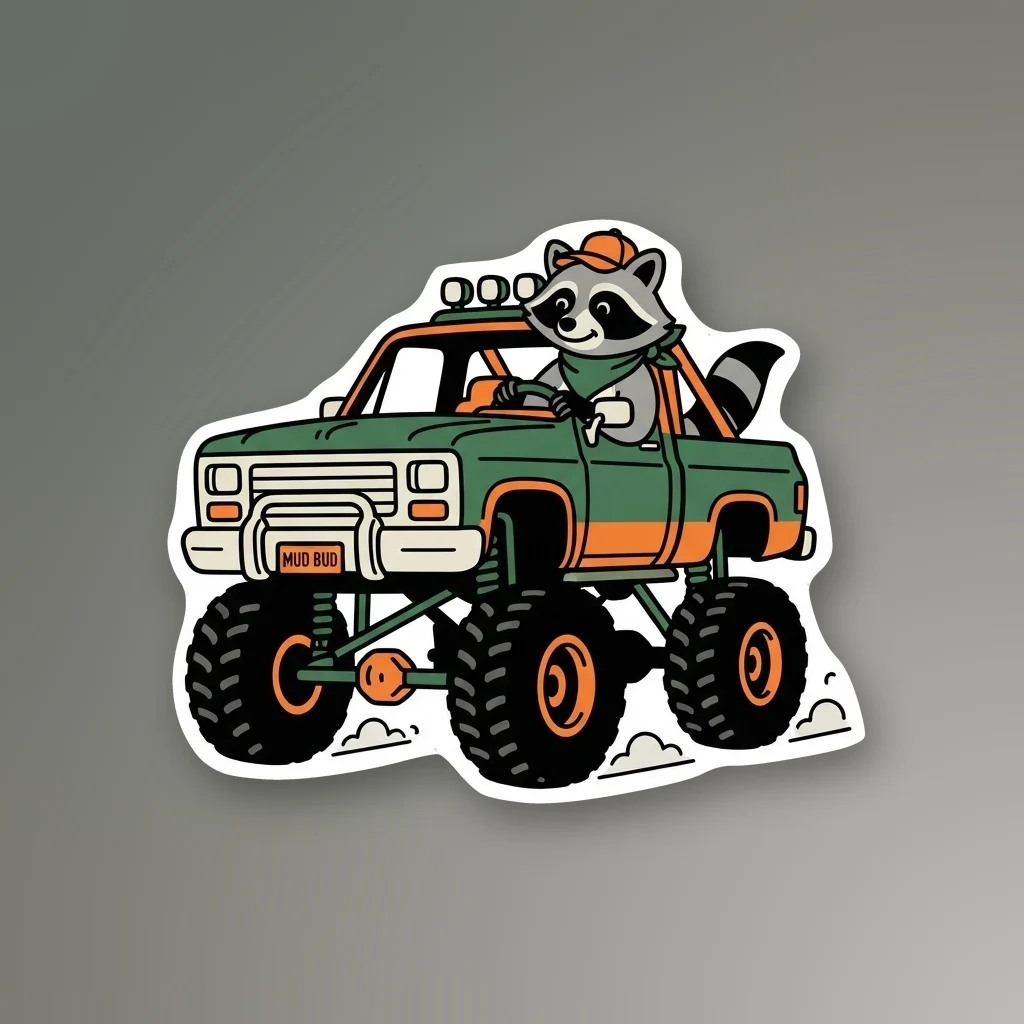
Same idea, but much easier to read, print, and cut.
Make one
Use the AI sticker generator to turn an idea into sticker artwork.
If you already have an image, use the image to sticker tool.
Once the design is ready, Stickery prepares it for production and Sublime Slaps handles the printing, laminating, die-cutting, and shipping.