A photo becomes a sticker when you can point at one subject and throw the rest away. The snapshot of a dog in a kitchen is not a sticker yet. The dog, lifted off the cabinets, with an edge a cutter can follow, is.
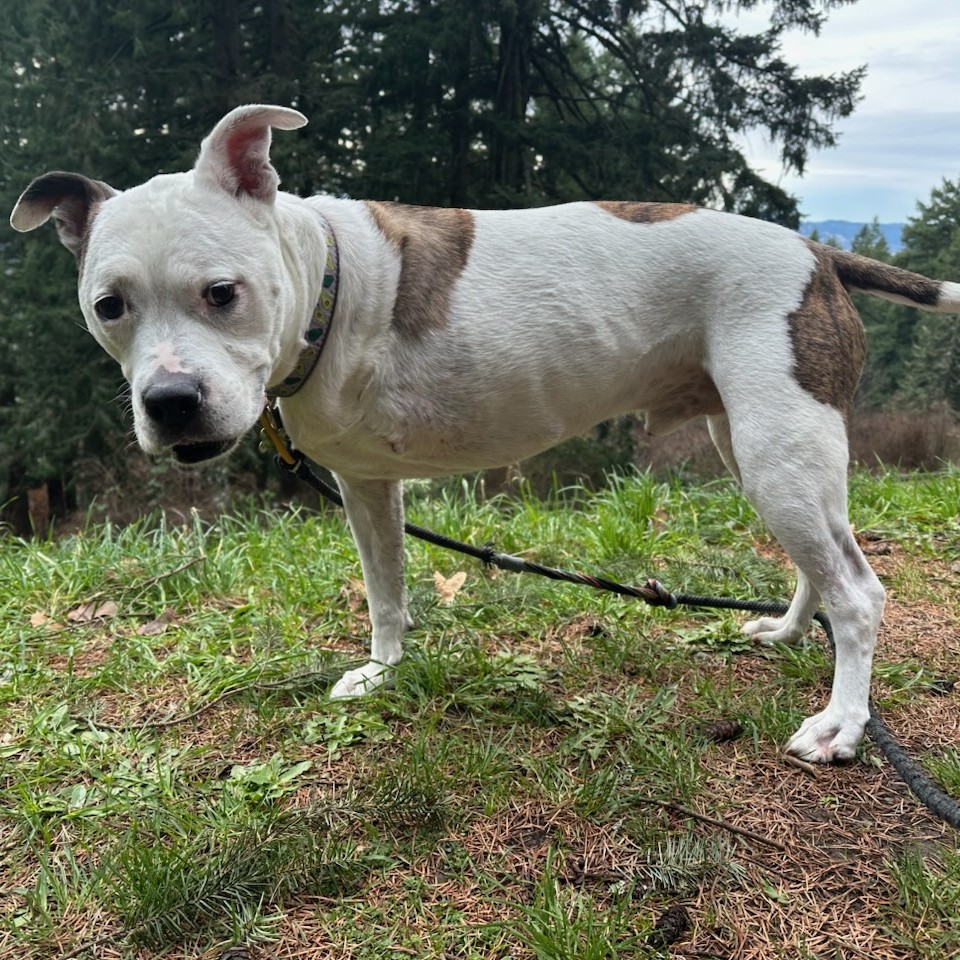
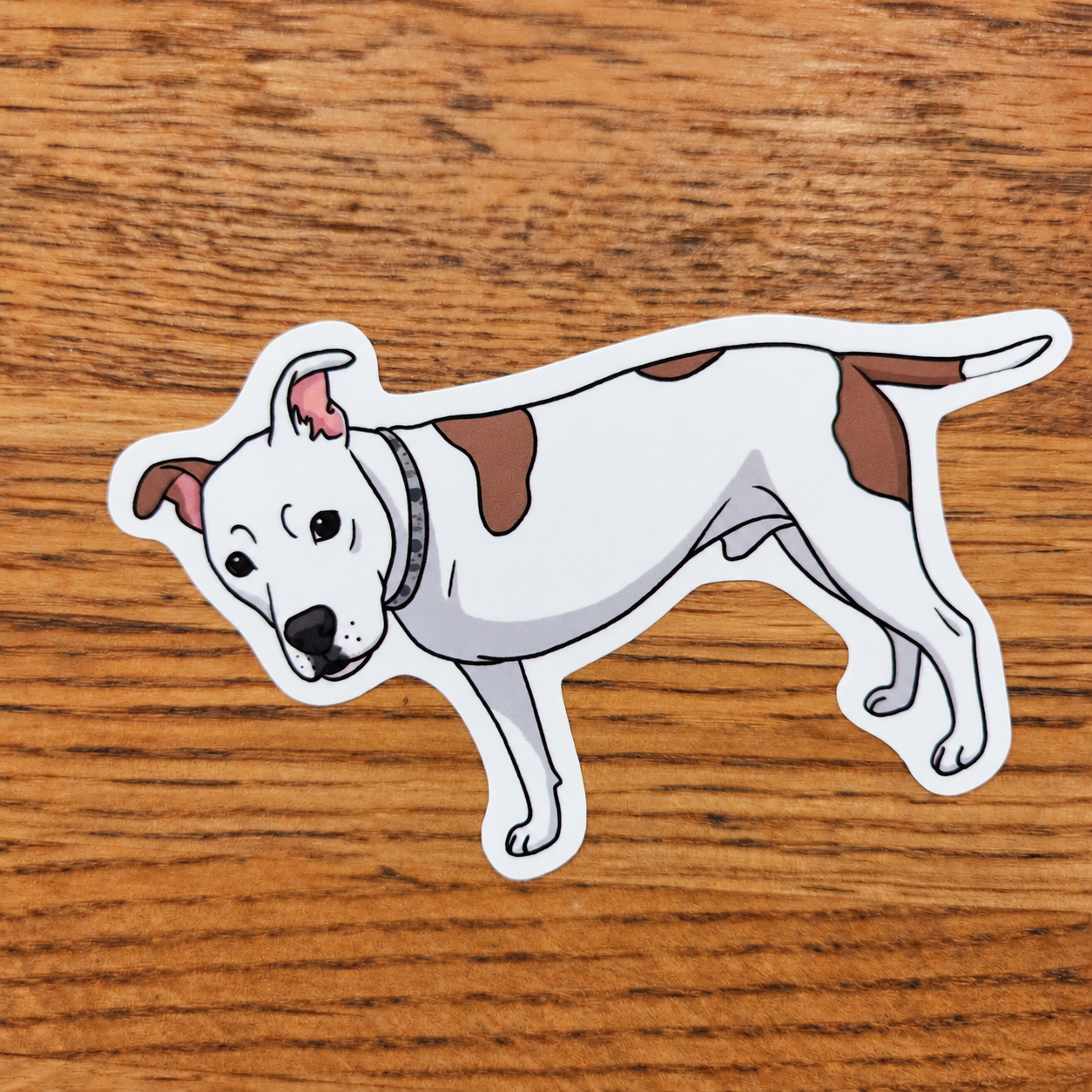
To make a sticker from stickery.ai open the generator and press the upload button.

You can either then send the image without a prompt to be turned in to a sticker, or add a prompt describing changes to be made. Depending on the prompt you can change the image greatly, or keep it similar.
What usually goes wrong
Busy backgrounds. Hair and fur that turn into a fringe of tiny islands. A person whose arm is the same color as the wall, so the edge wanders. Type in the photo that is already too small to survive a shrink.
The image can look sharp on your phone and still be a poor cut. Phones crop tight and compress faces. If the subject touches every edge of the frame, there is no room for a border.
We would rather see one dog, one helmet, one product, shot with some space around it. Groups can work if they read as one clump. Ten separate people become ten cut problems.
You can use stickery studio to clean up stickers, adjust the cut path and more.
What the tool is for
You upload from the generator. JPEG, PNG, WebP, or HEIC, fit into a square. A photo that is not square stays in frame with black bars, and you can rotate it first. Image to sticker shows that flow with examples. The generator isolates the subject and sets up the sticker edge. You should not have to draw the cut path by hand for a normal photo. For most people, that manual path is not worth the time.
If the result grows a halo, or the ear disappears, the source is the problem. A new crop beats an hour of cleanup.
Generated art is a different start. That path is how to make stickers with AI. Art you already made in another app is how to print AI art as stickers.
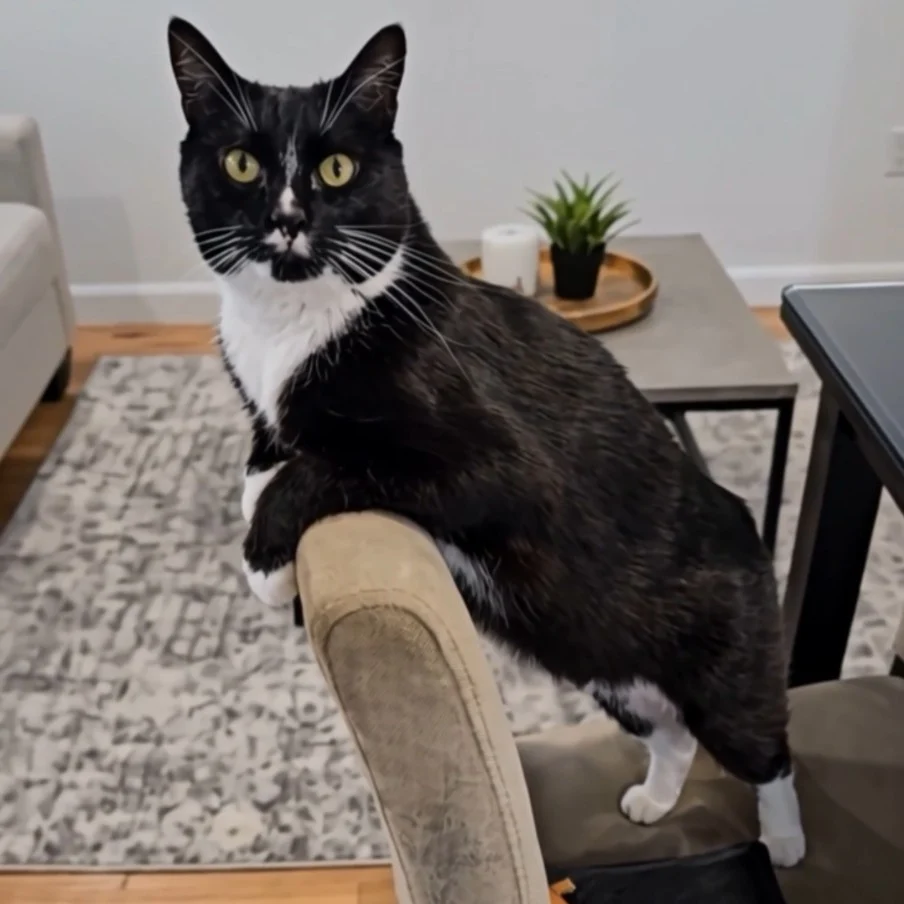
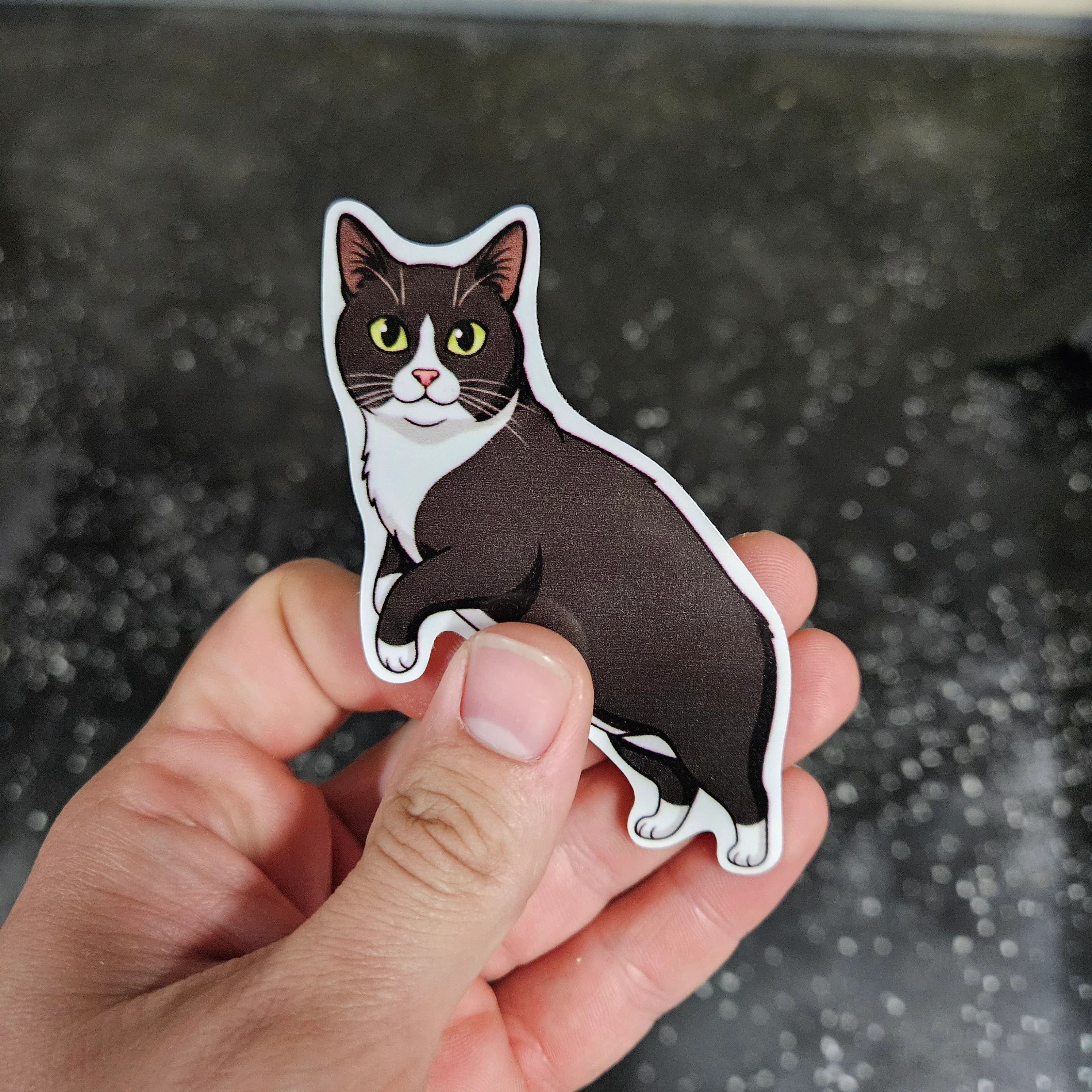
Then it is a physical sticker
Once the shape is honest, it is printed as STICKERLY™ vinyl, laminated, and die-cut. Sublime Slaps does that manufacturing in Oregon. Custom vinyl stickers is the material side. Die-cut stickers is the cutter side.
Or, if the file is already a photo, go straight to image to sticker.